Bring in every source
Use a local camera and microphone, share a screen, or add image and video files.
Build the scene, bring in guests, and send a finished show to your streaming destination from one browser studio.
Freedom has a frequency.
Add cameras, screen shares, images, videos, and overlays to a 1280 by 720 program canvas. Arrange the composition, mix the audio, save the scene, and control the broadcast without a separate production app.
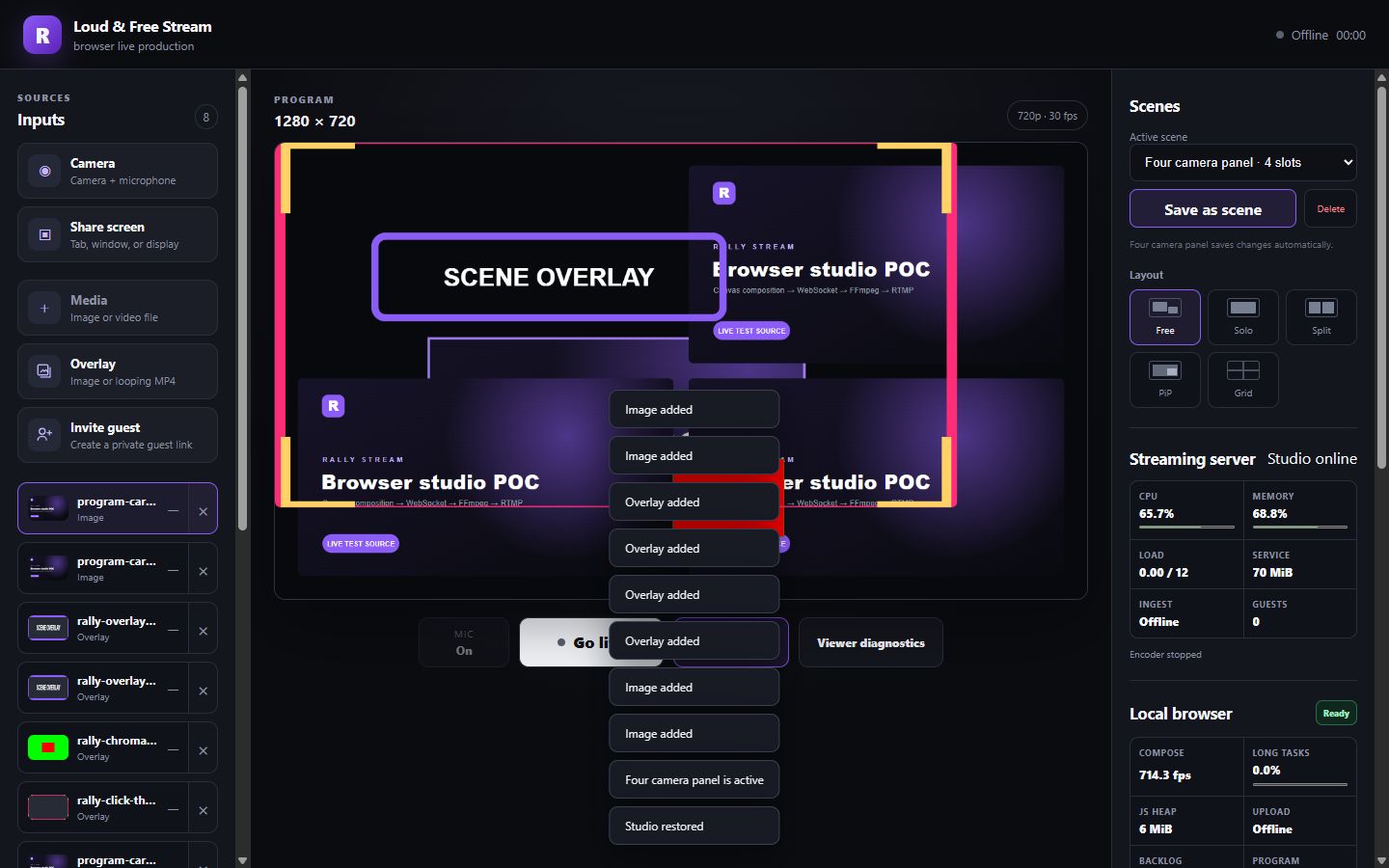
Current browser studio shown with local test media.
The current studio focuses on the production work that happens before and during a broadcast.
Use a local camera and microphone, share a screen, or add image and video files.
Create a private browser link for up to six guests, with return video and mix-minus audio.
Drag and resize sources, choose standard layouts, set crop framing, and save reusable scenes.
Control source audio, place overlays, key a background color, and add a lower third.
Send the composed program to a custom RTMP or RTMPS server and stream key.
Record the program with the broadcast and download the file when the show ends.
The workflow stays in the browser from the first source to the outgoing program.
Add the sources you need. Place them freely or start with solo, split, picture-in-picture, or grid layouts.
Share a private guest link. Set framing, audio, overlays, and lower thirds while the room comes together.
Enter the RTMP or RTMPS destination, review it, choose local recording, and start the broadcast.
Independent voices celebrating the gear, skills, places, traditions, and ways of life that keep freedom and the American spirit alive.
Stay on camera and see the whole program while the show runs.
Control sources, scenes, audio, graphics, output, and recording from one surface.
Join from a private browser link with camera, microphone, and program return.
Reuse saved scenes and a repeatable studio workflow across the shows you operate.
Loud & Free sends the program where you choose. It does not require a platform-specific destination connection.
Current scope: Scheduled broadcasts, account management, cloud recordings, comments, and OAuth destination connections are not part of this build.
Open the browser studio and build the next live program from the sources, people, and destination you control.
Open the studio